
All in Motion
This page is made to display all my work in motion graphics.
Stop Motion, Gif, Cinemagraph, Motion Graphic Video.
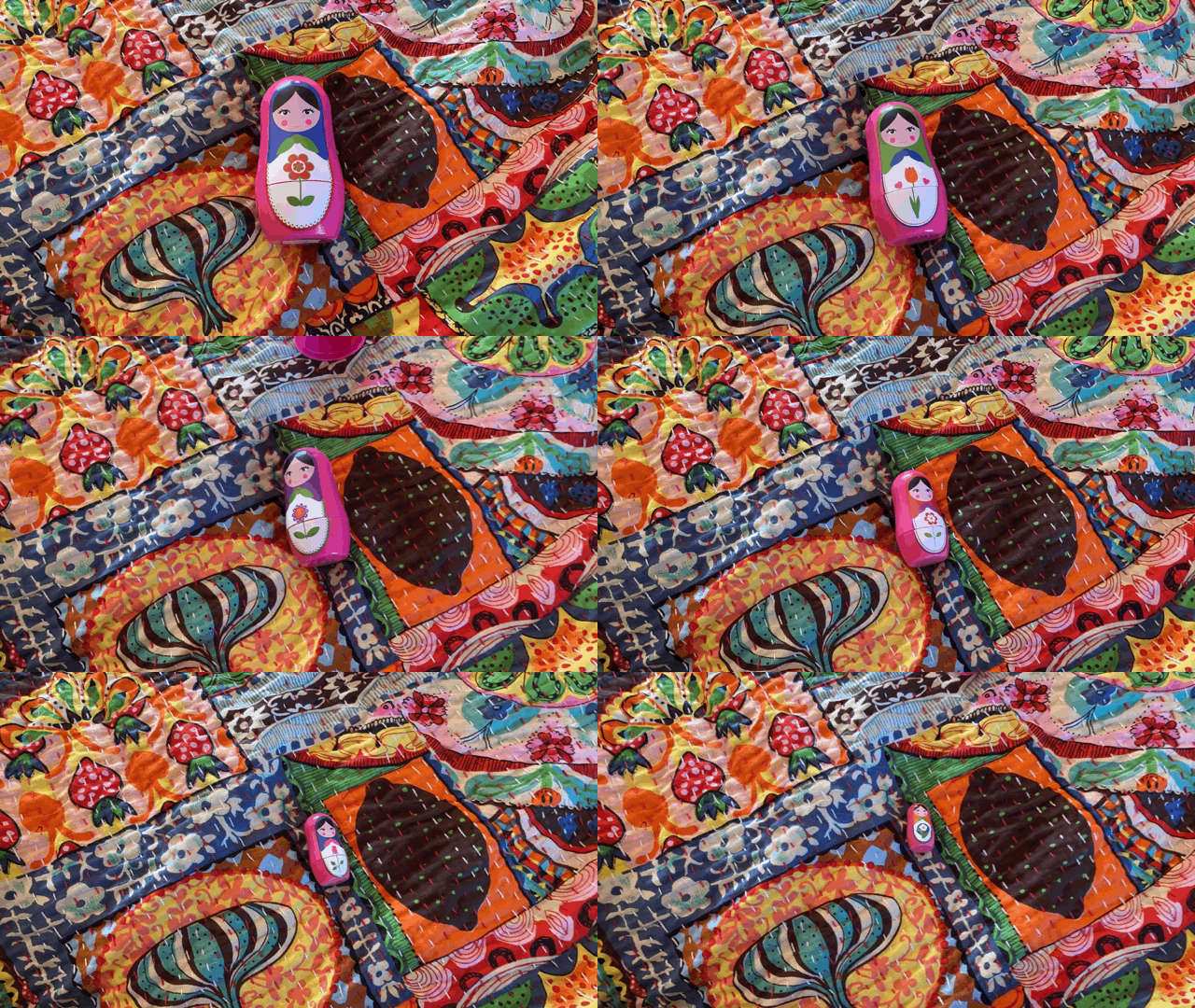
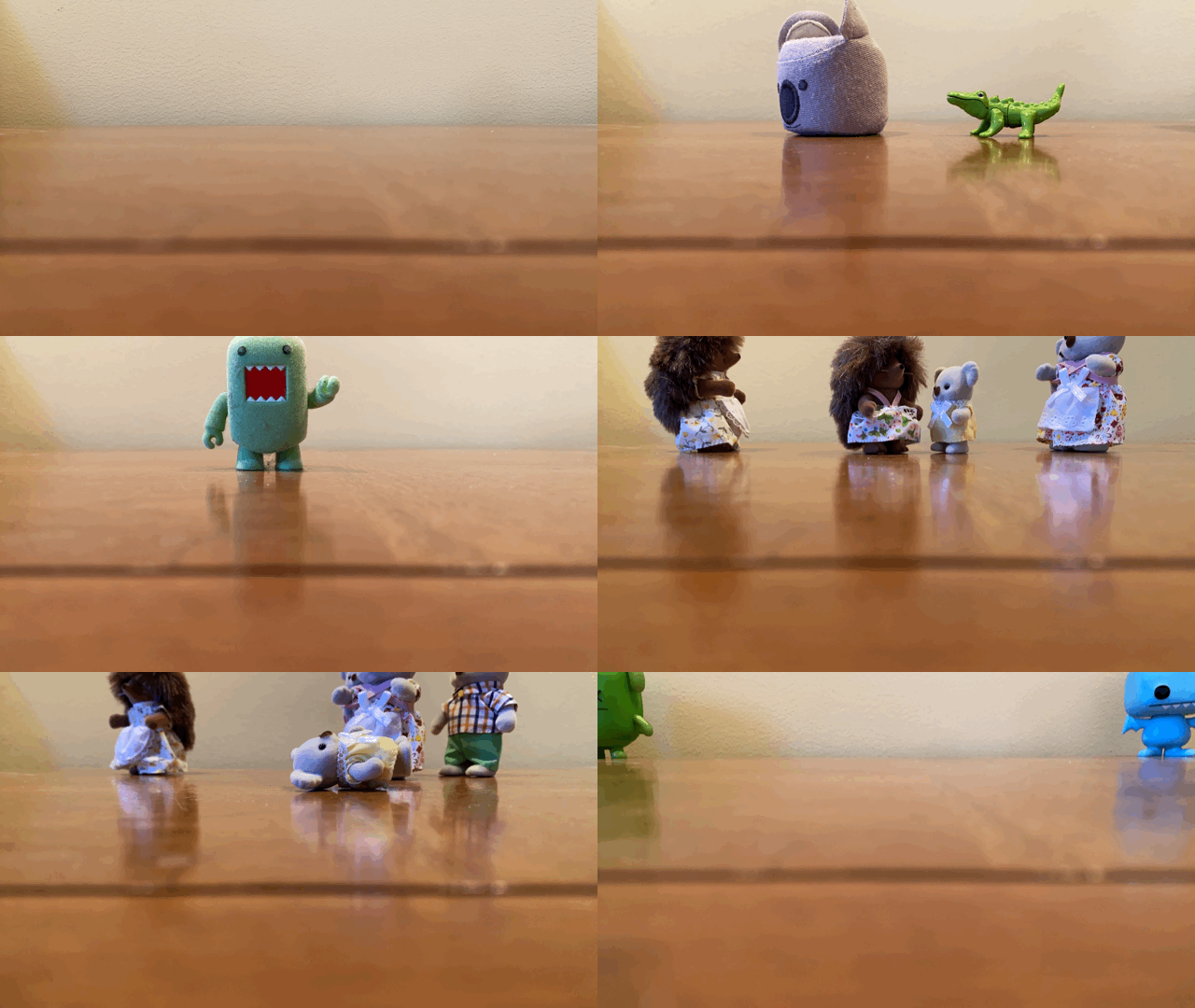
As a child I loved to play with creating stop motions with images or an app called Video Star. I always had a fascination for the topic, so you can imagine I was anticipating this assignment. I was suggested an app called Stop Motion to easily create images to make up a video. I played around with different concepts and had too much fun with it. If there's such a thing, I used a bunch of my knick knacks that were in my room and brought them to life.
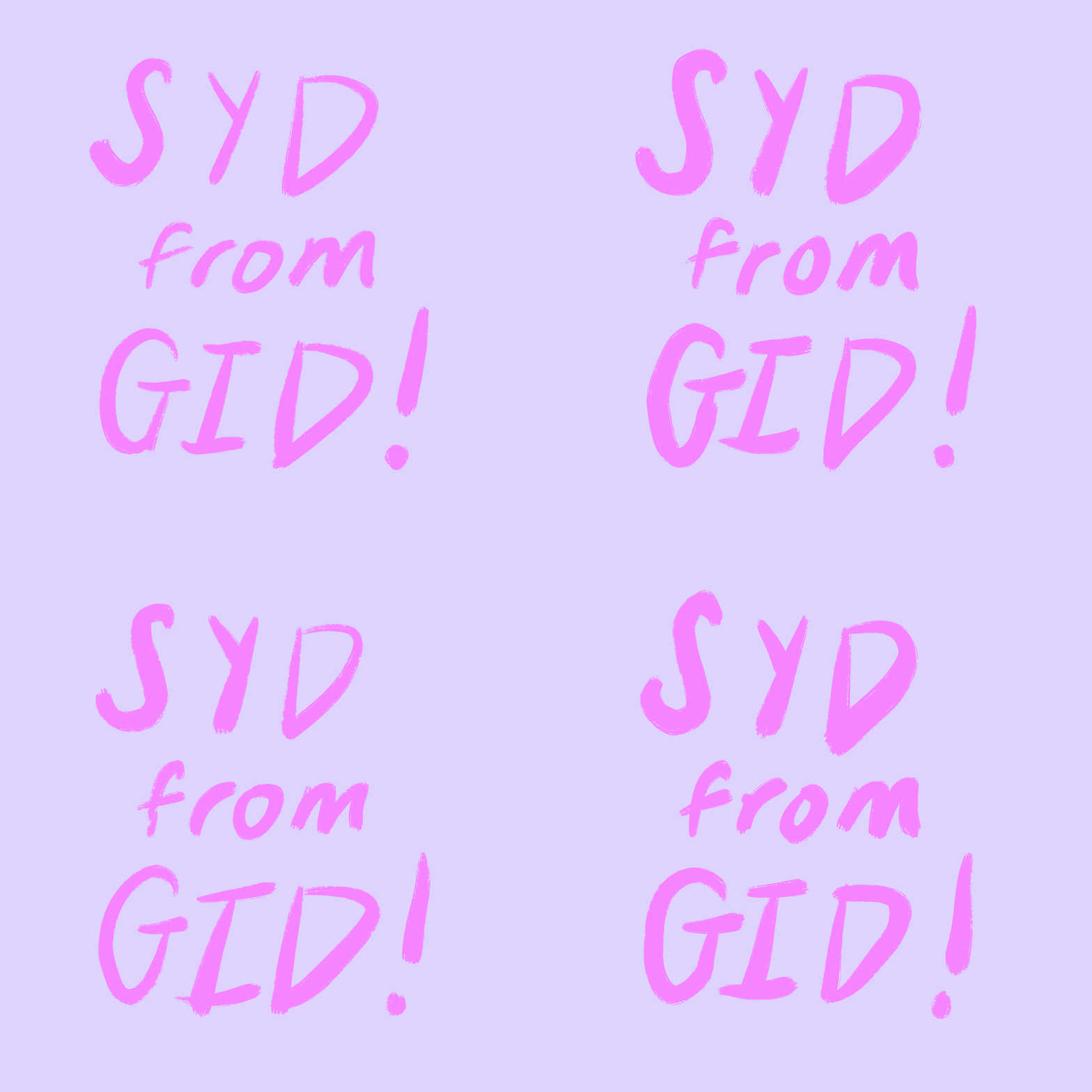
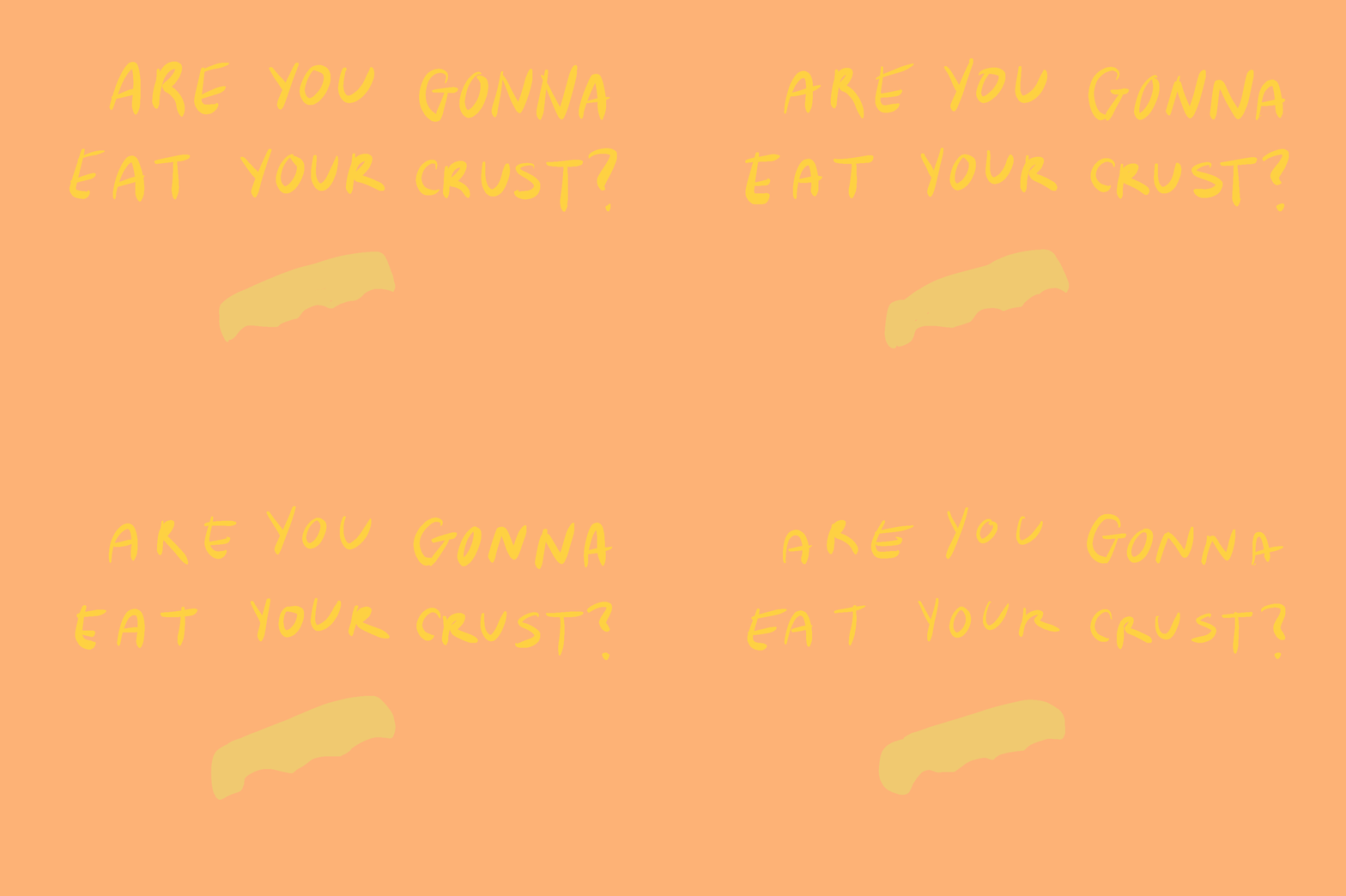
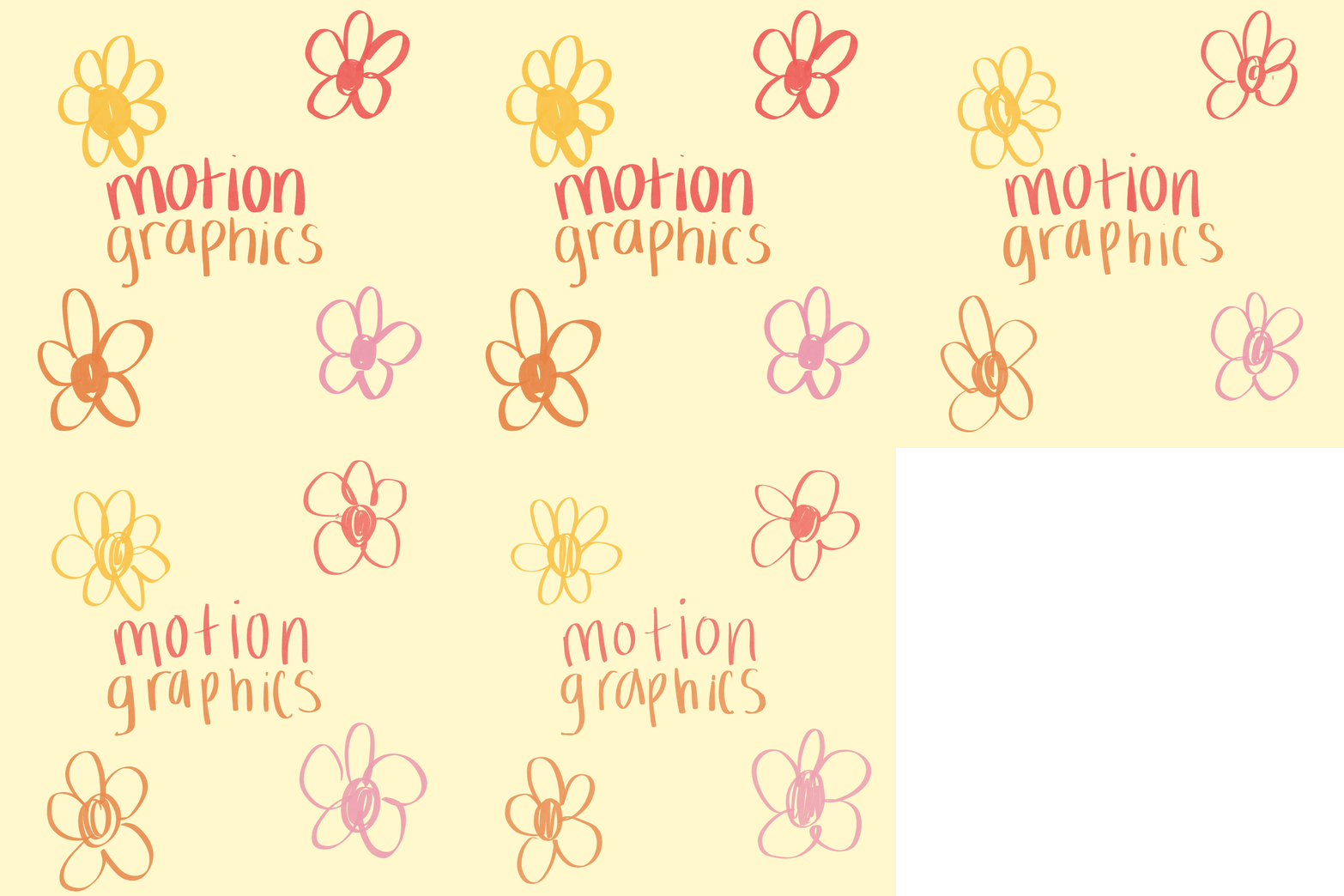


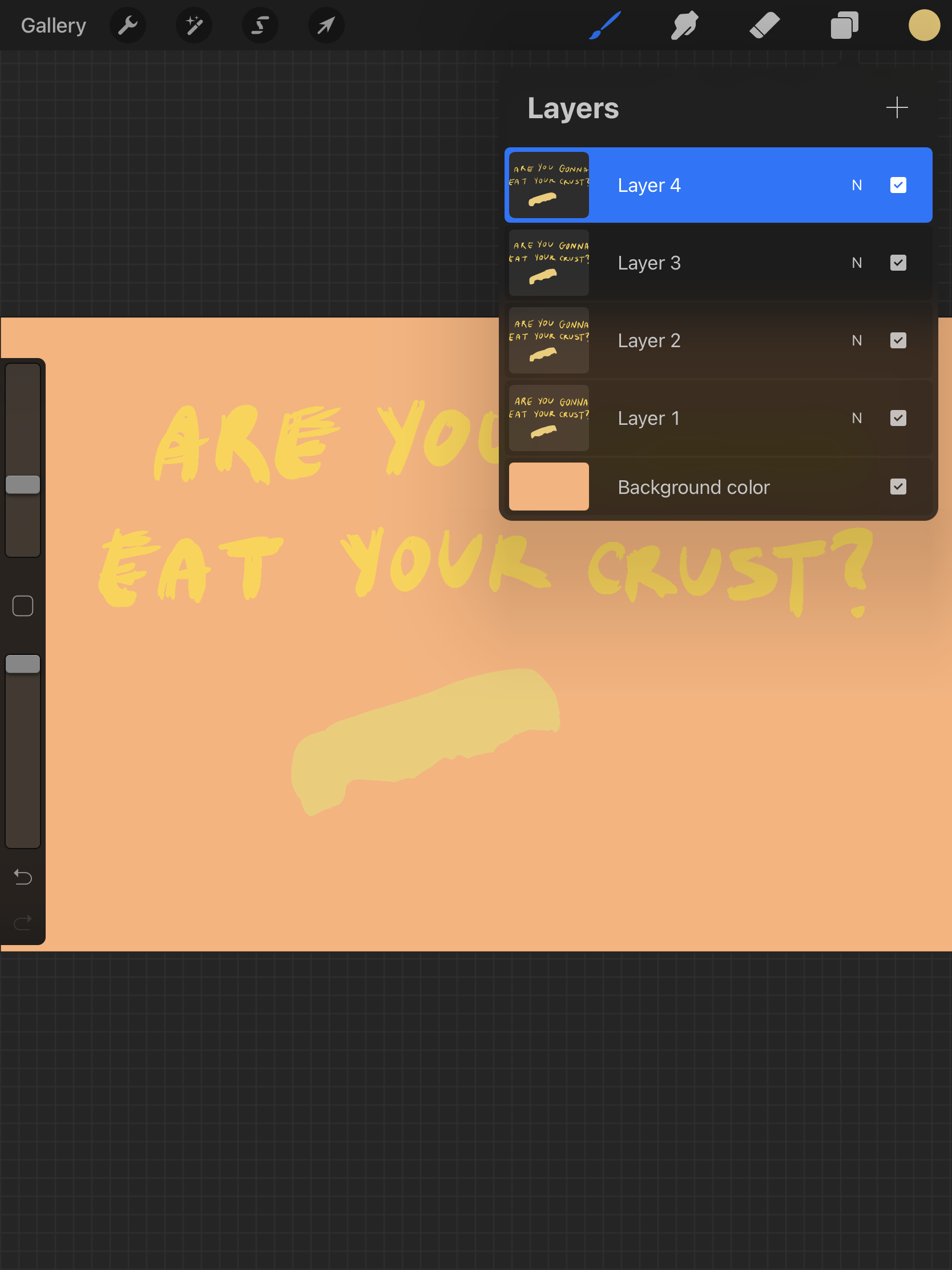
The behind the scenes of creating this Gif through Procreate
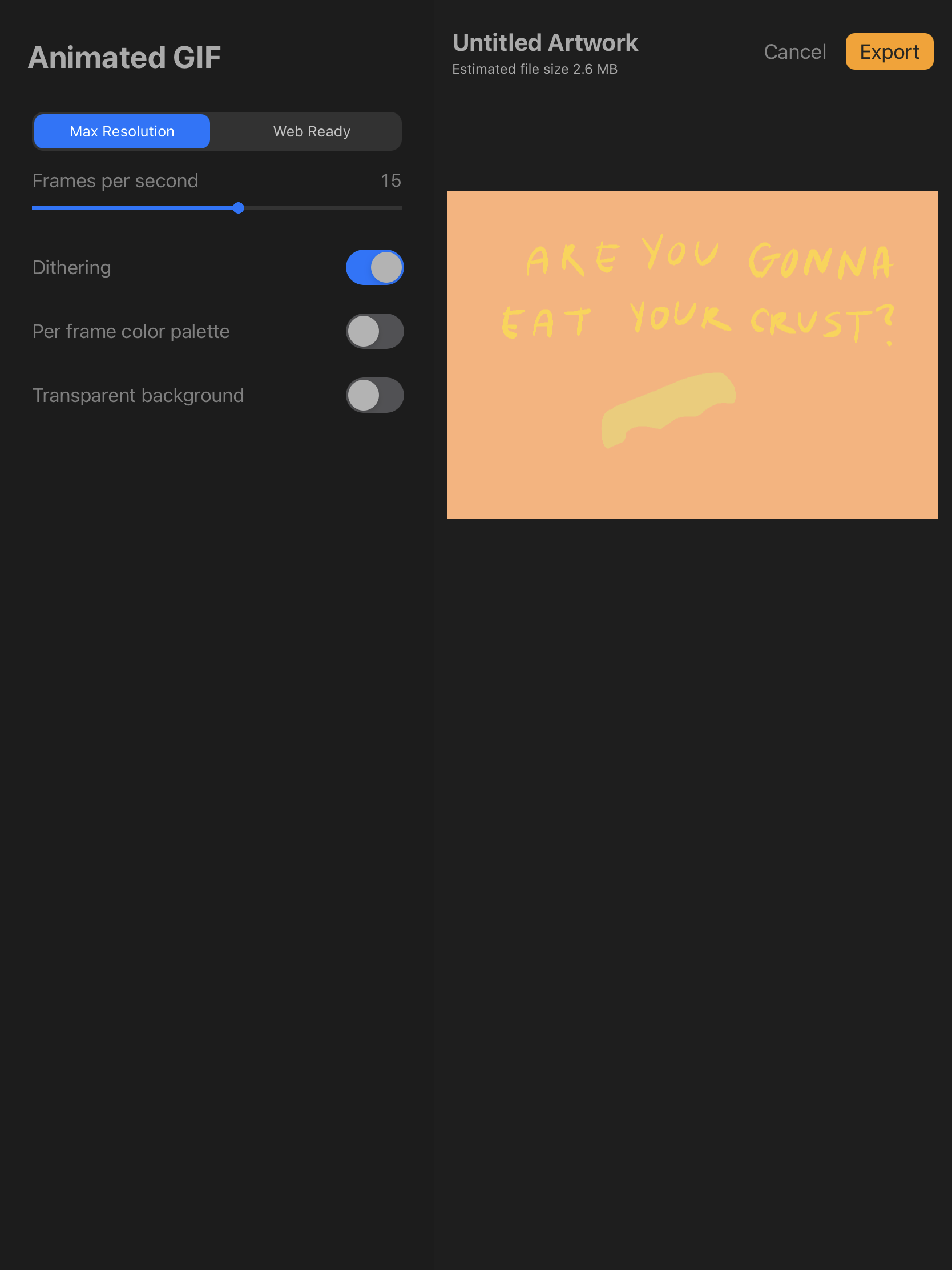
On the platform I was able to change the speed for each frame per second.
Gifs are easier than I thought and also fun to create. I made a bunch with ease using the Procreate app on my iPad and apple pencil. Lots of tracing and layers used to result in movement. I enjoy making Gifs, so there will be many more coming.
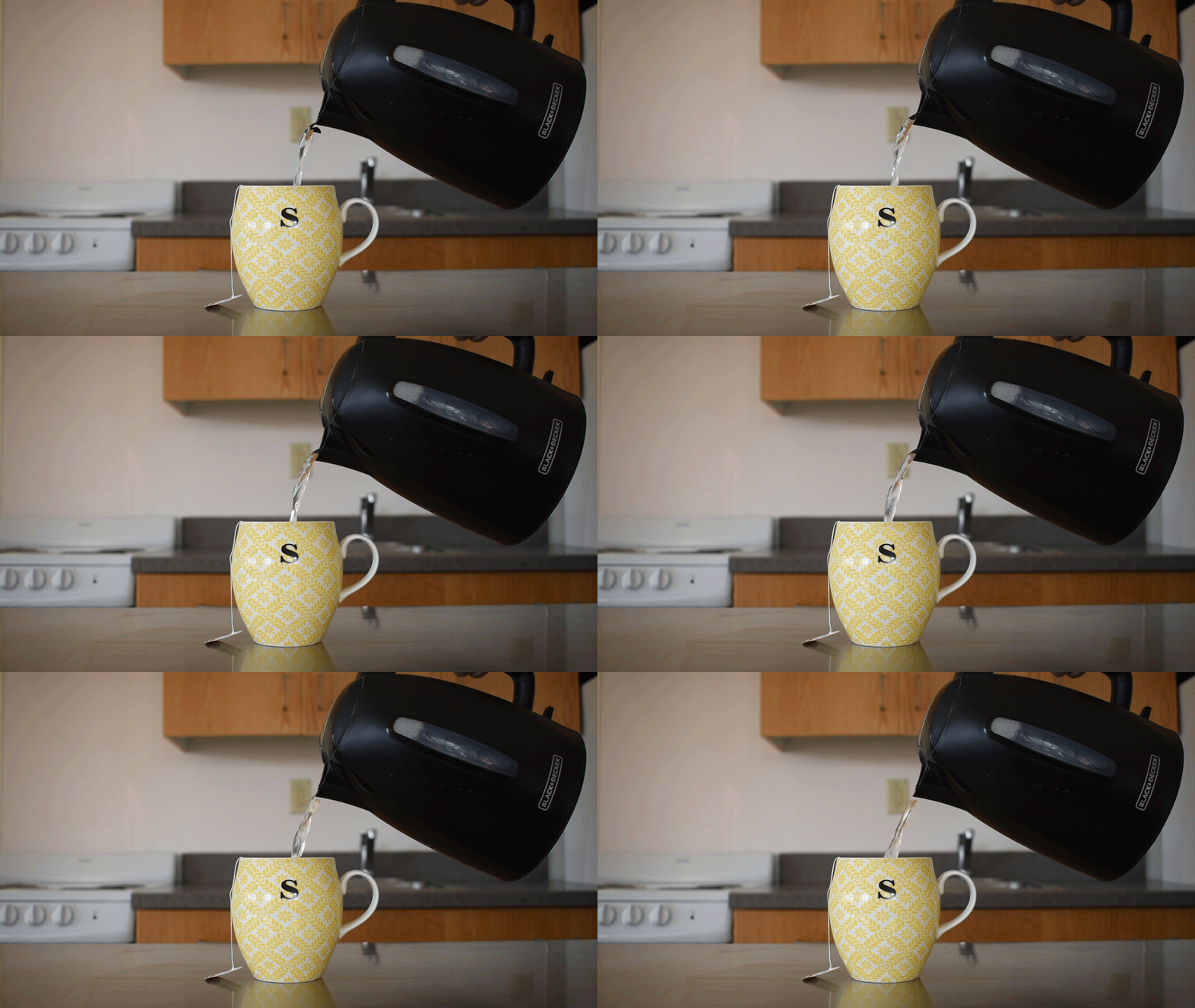
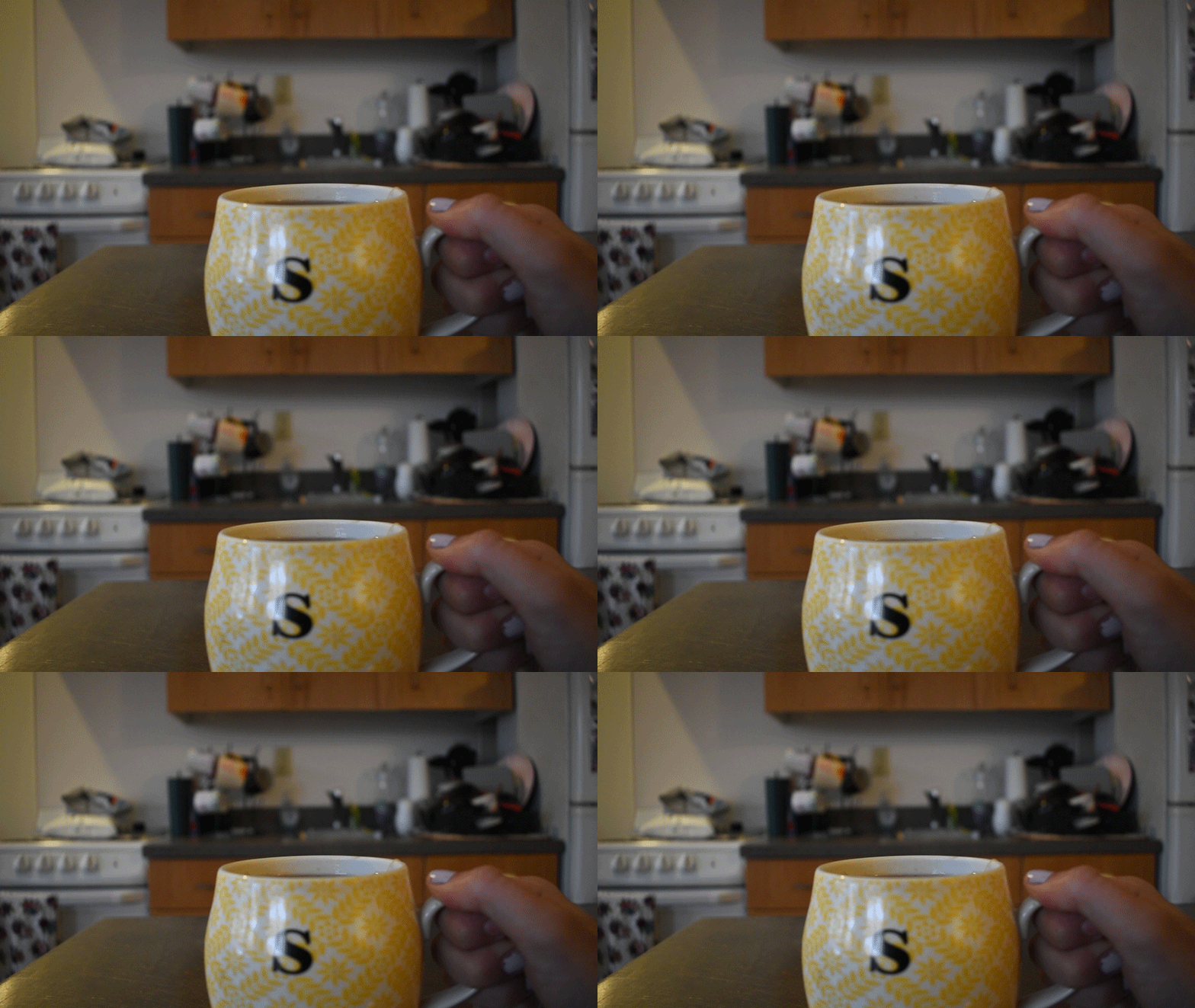
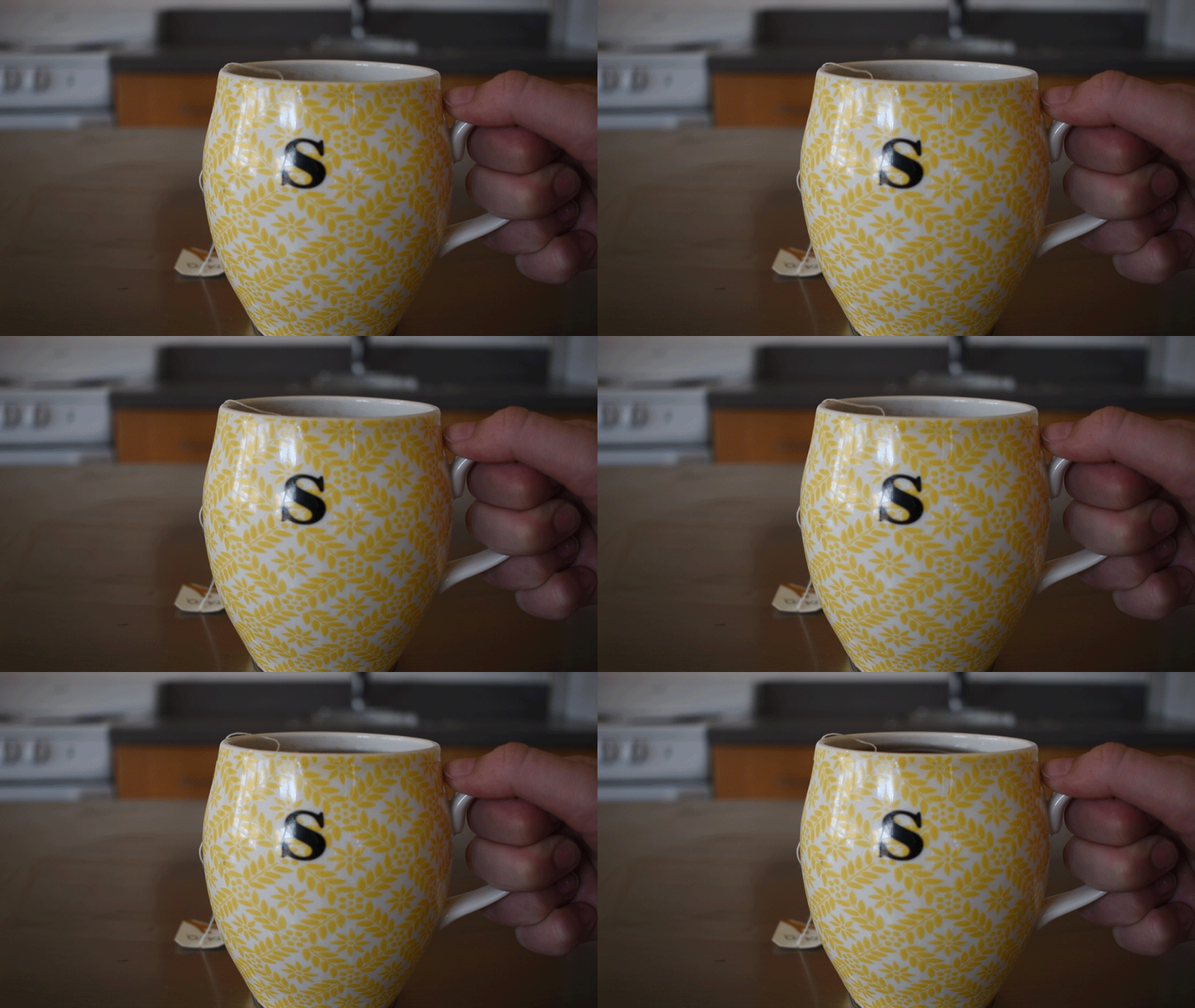
The cinemagraph helped utilize my photography skills. What I did with these was I took a picture of a mug and I took a video of the same mug and a tea kettle pouring water in. I took both of those files into Adobe After Effects then put the image layer above the video layer. Afterwards I erased the area where the movement (the pouring water or moving tea liquid) is occurring. Cleaned up the eraser marks and then exported.
Motion Graphic Video
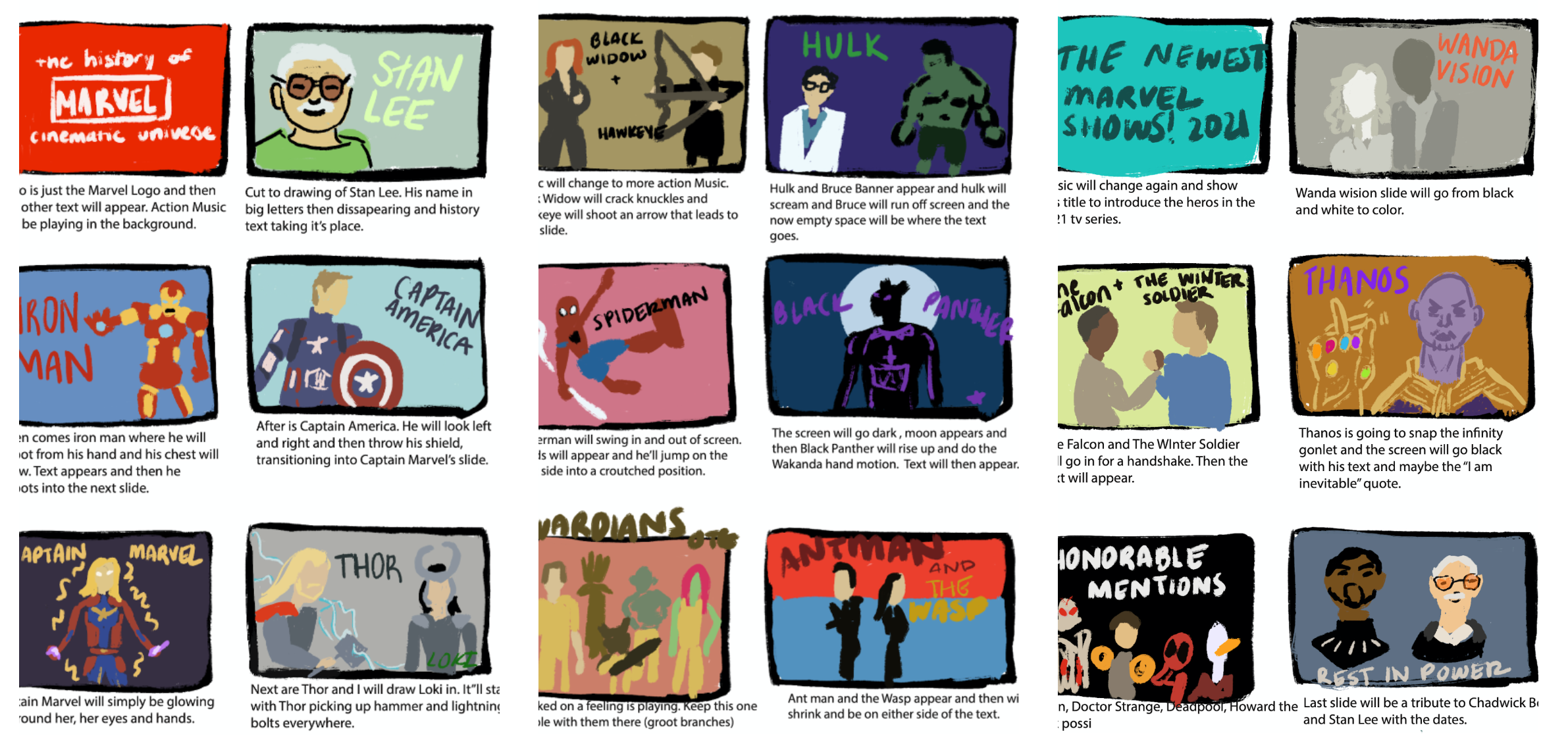
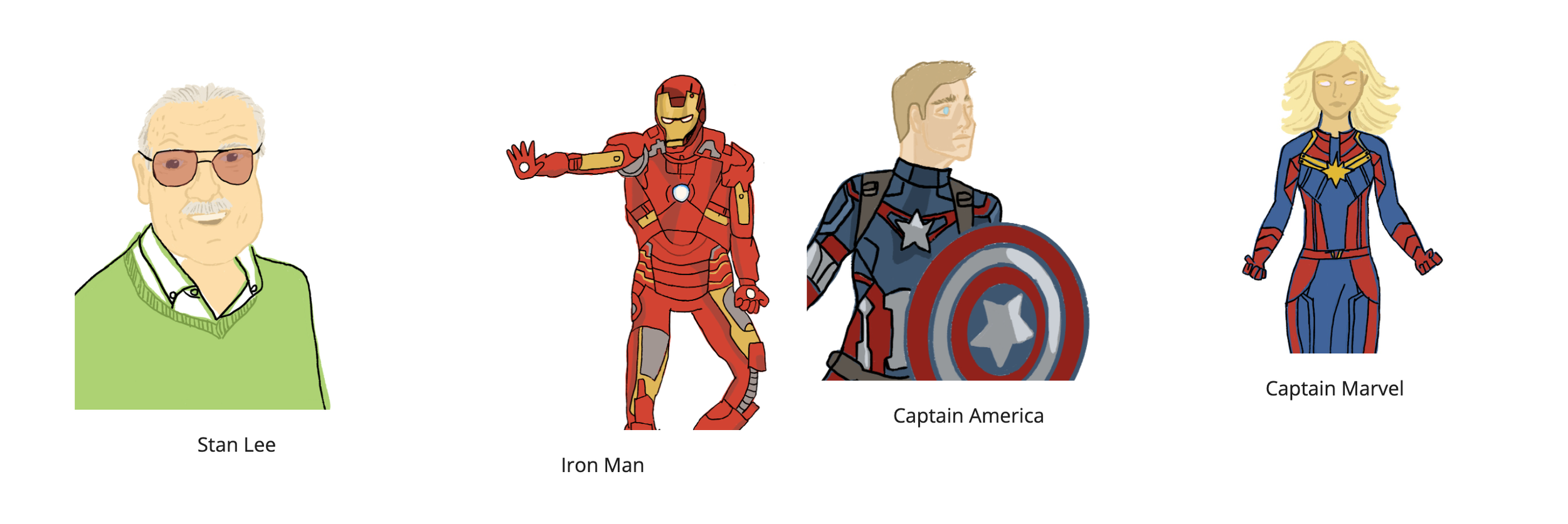
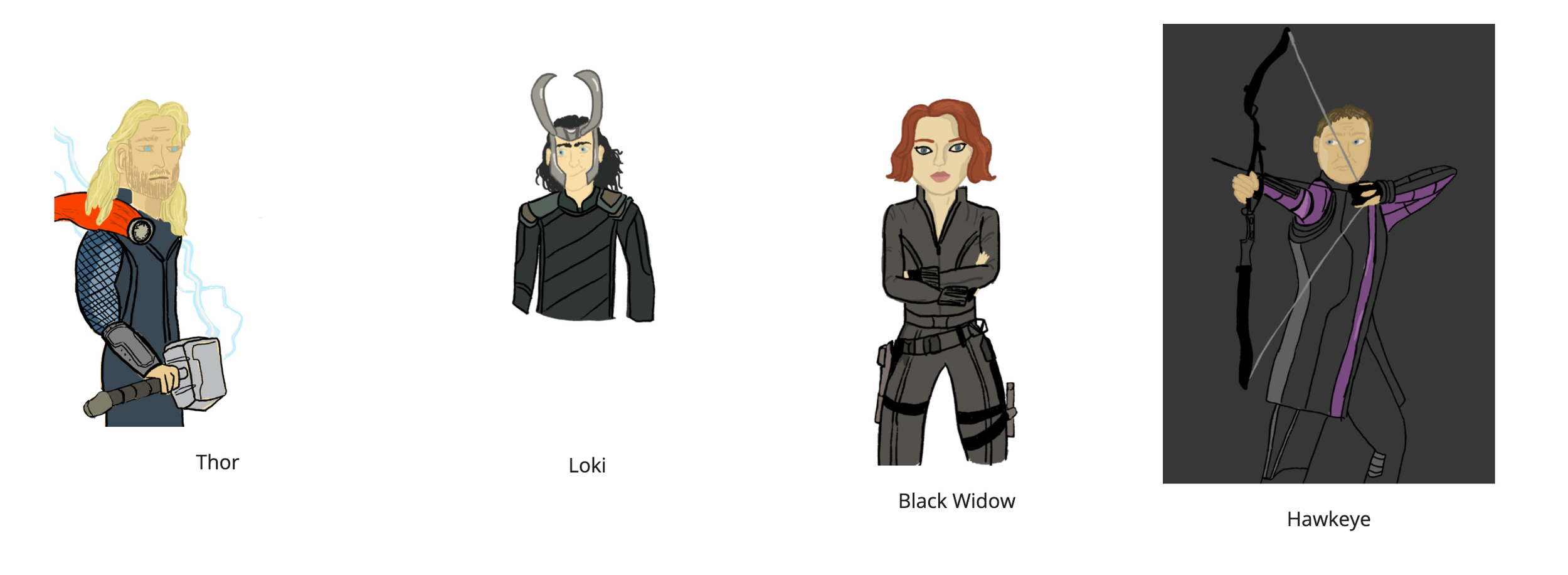
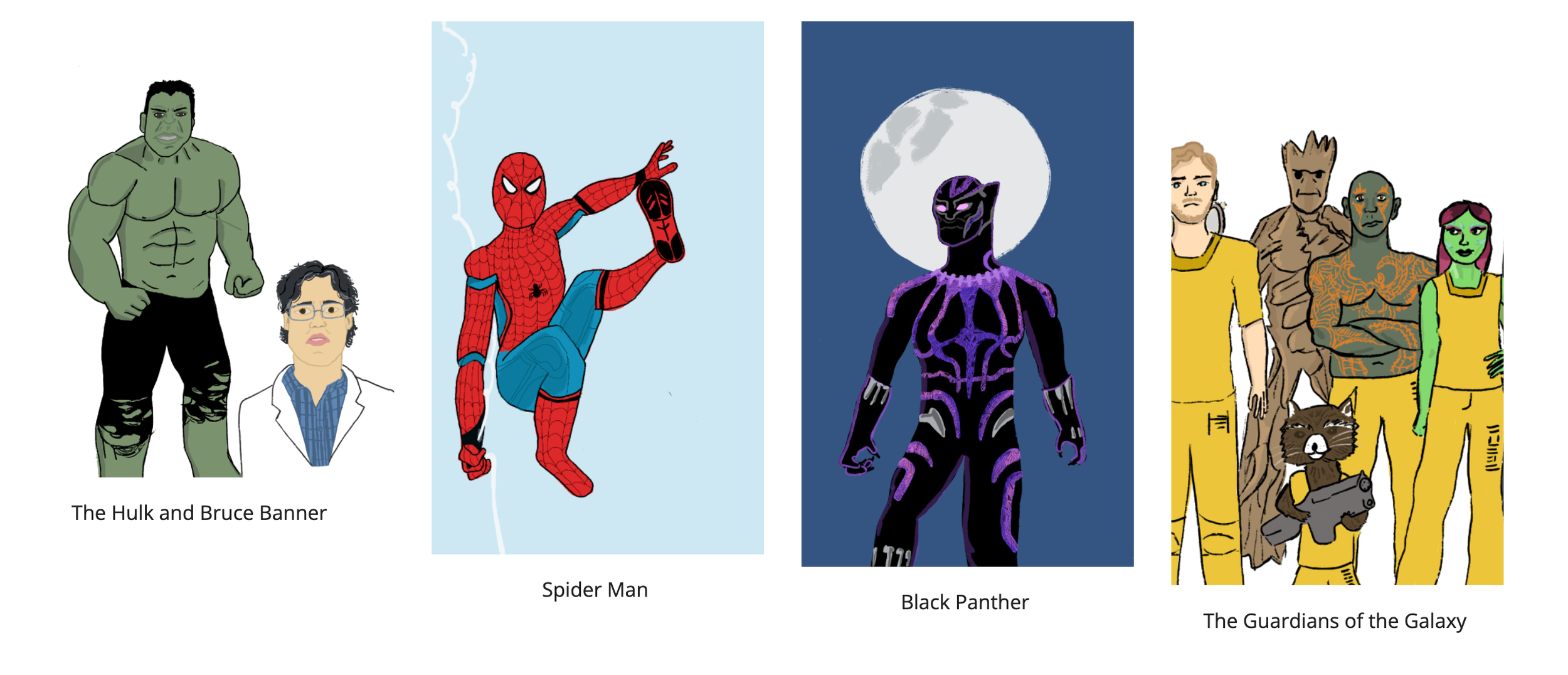
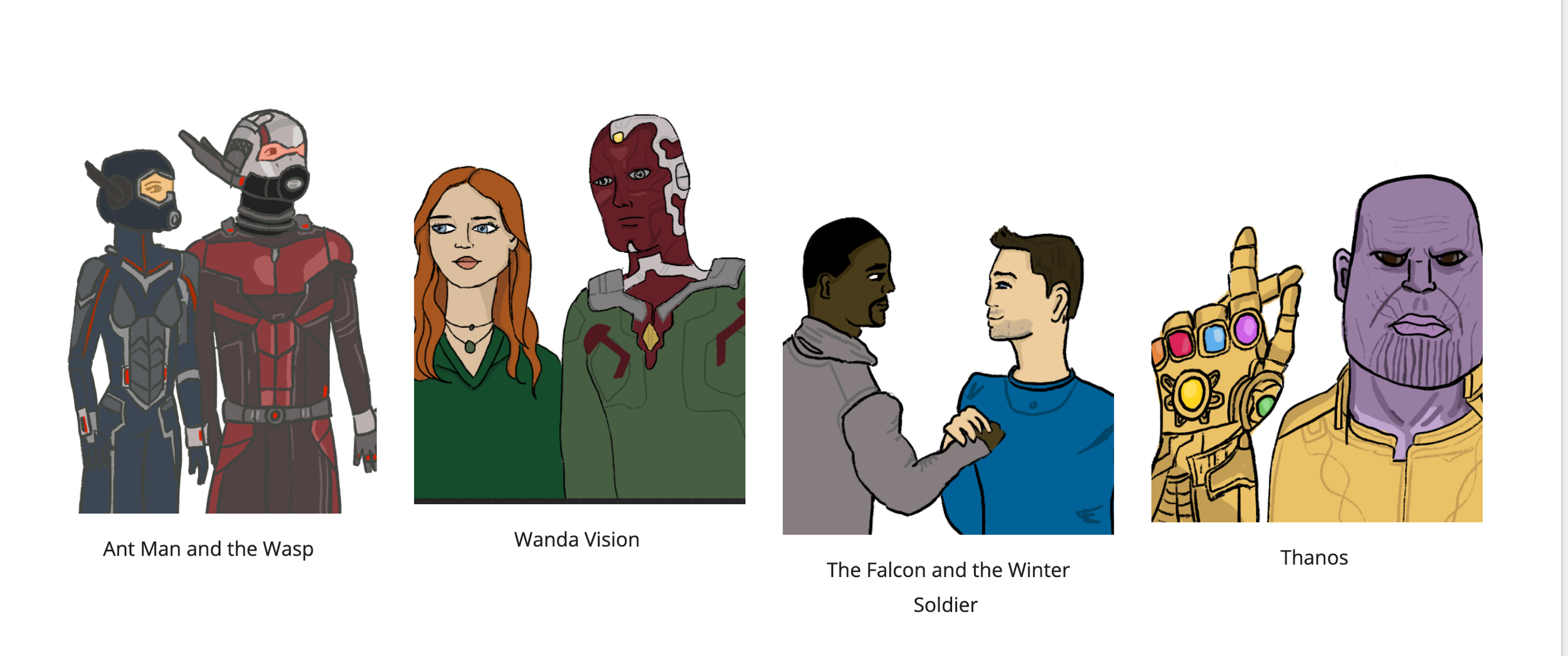
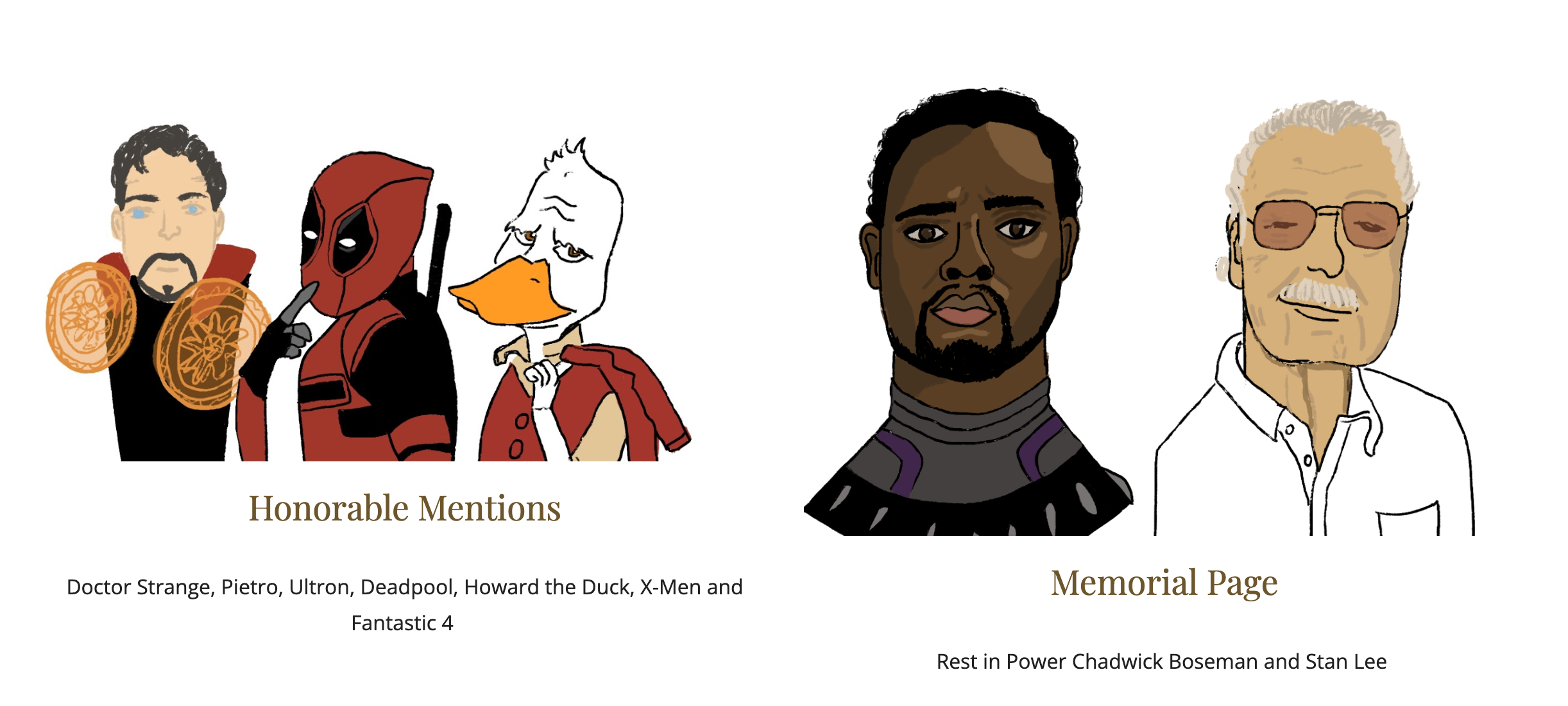
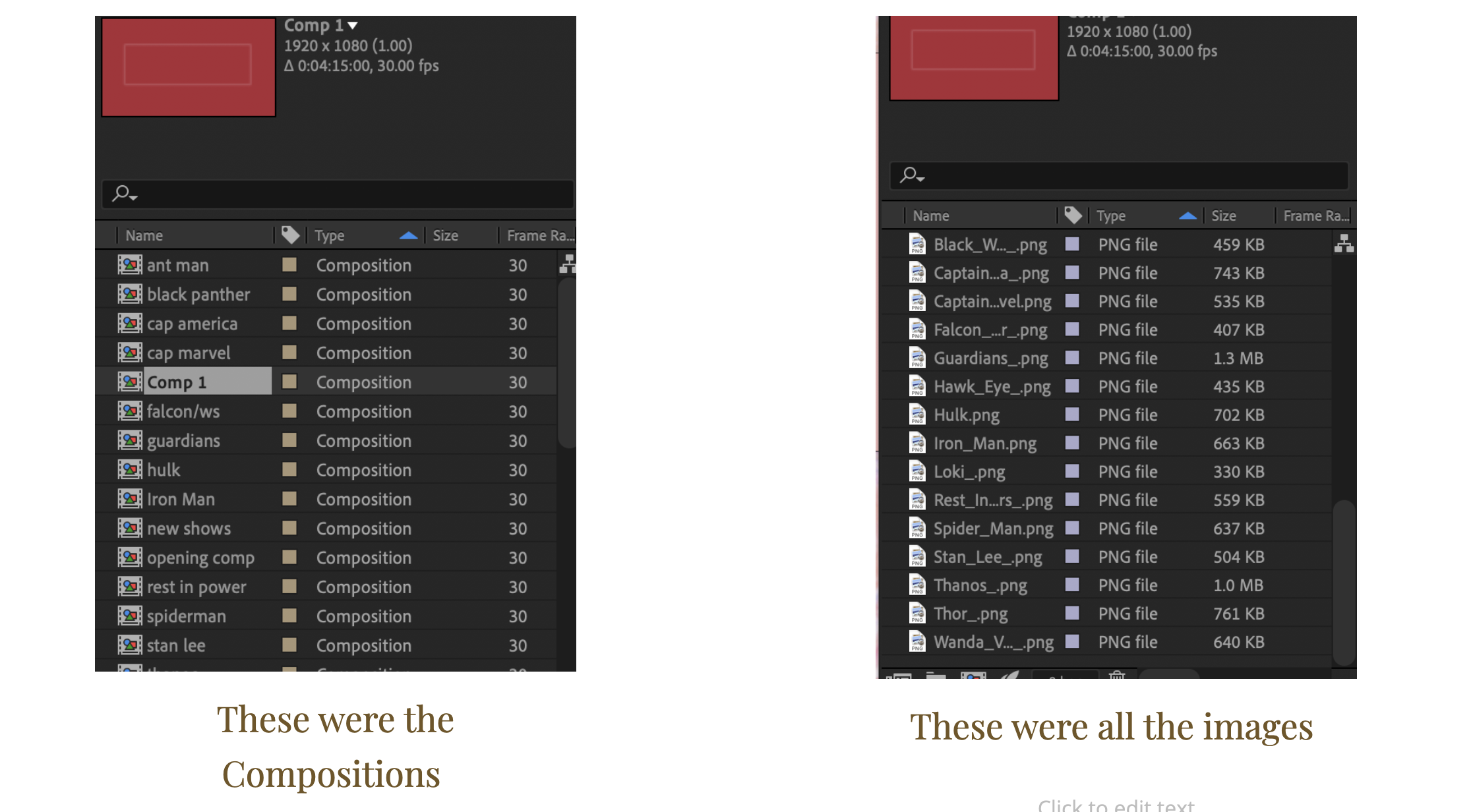
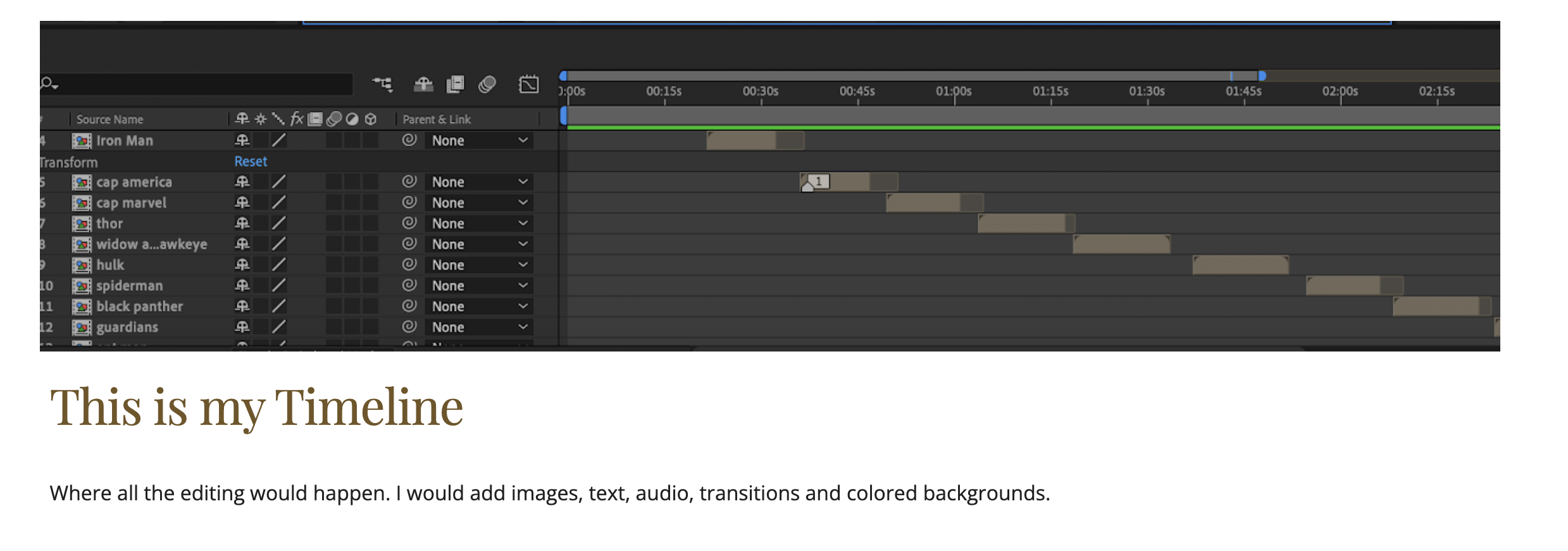
I am a huge Marvel comics and MCU fan. I had to create a video that was at least three minutes in length. I used various tools to create the final project. I made a bunch of storyboards to get a better sense of the visuals before diving into the specifics. I did lots of research and typed up body copy to be presented throughout the motion graphic. I illustrated all the visuals using the trusted Procreate app then I went into Adobe After Effects where I would be bringing all the visuals, audio and movement together. After at least 30 hours of learning and working in After Effects, I had successfully made the Marvel Motion Graphic.